
Guide
Quick answer: HID recommends cleaning the HDP6600 every 1,000 cards to maintain print quality and long-term reliability.
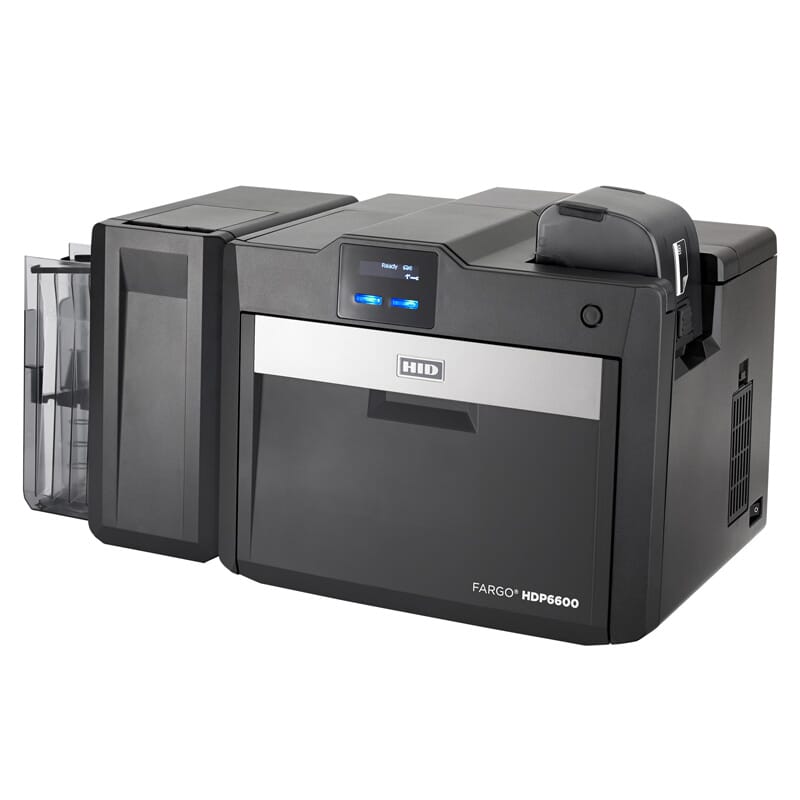
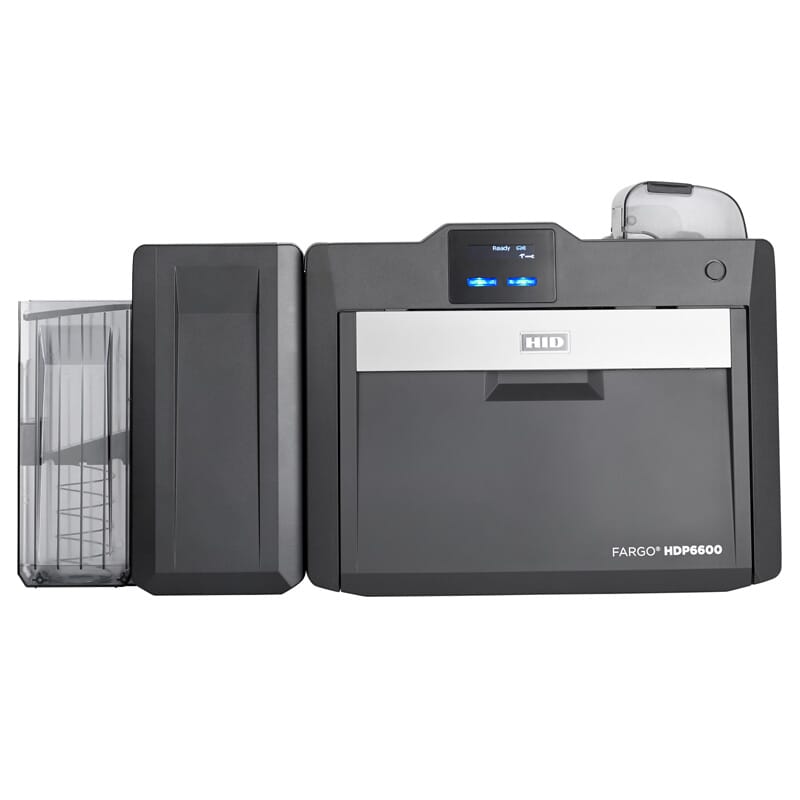
This guide covers the approved cleaning materials, replacement printhead reference and routine procedure for the HID FARGO HDP6600.
How to Clean the HDP6600
- Finish the current print job, remove cards and follow the printer utility or user-guide cleaning prompt.
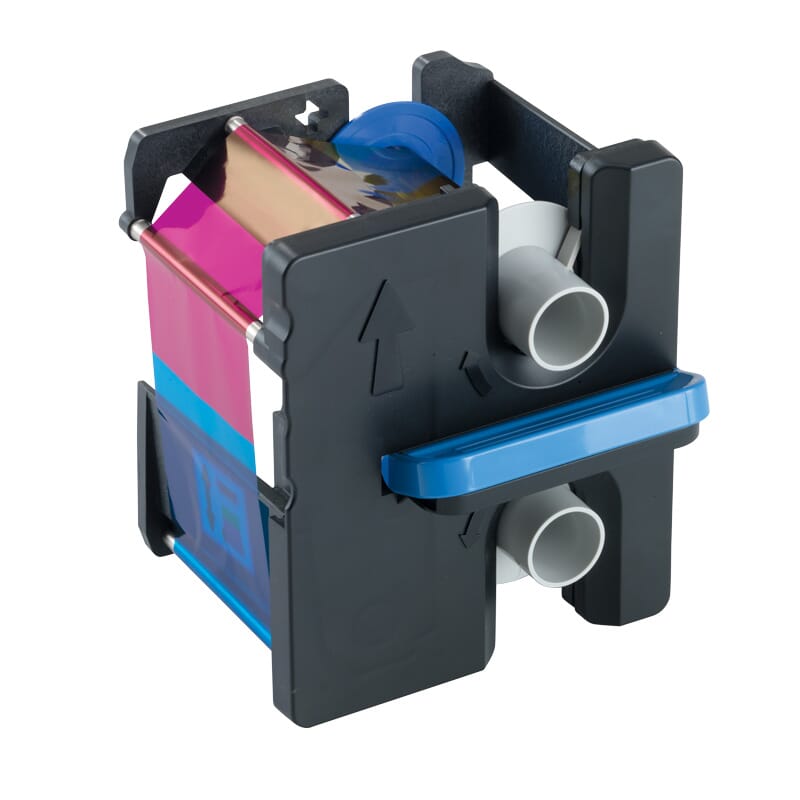
- Remove the ribbon and film where applicable. Never use sharp tools or unapproved solvents inside the printer.
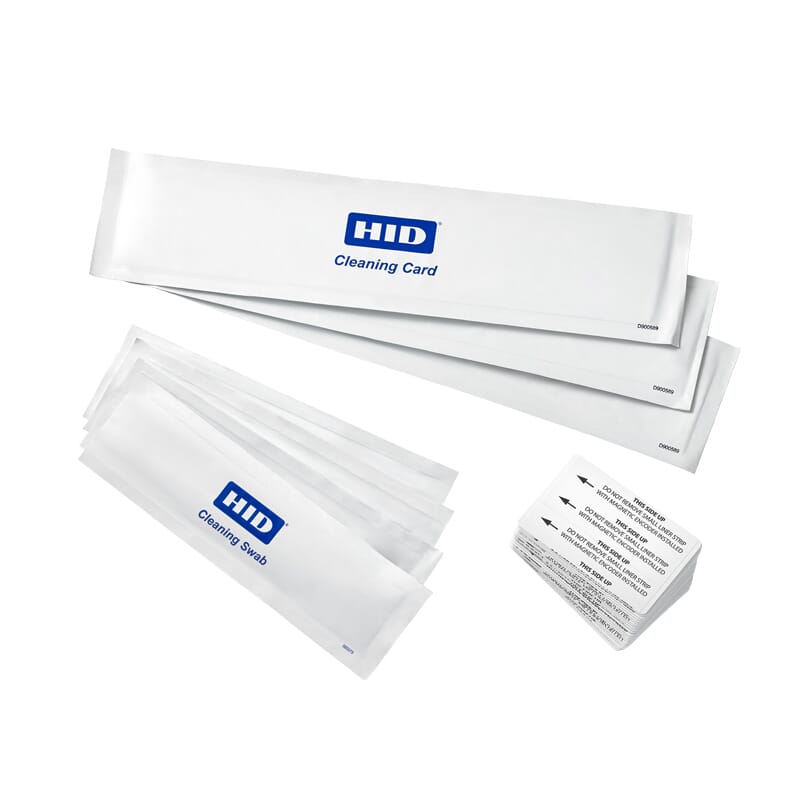
- Run the approved cleaning card through the card path, then clean accessible rollers with the correct HID cleaning material.
- Use a printhead cleaning swab only as directed. Allow cleaned surfaces to dry fully before reinstalling consumables.
- Reload genuine consumables, print a test card and record the maintenance date and card count.
Compatible Cleaning Kits and Materials
HID recommends cleaning the HDP6600 every 1,000 cards to maintain print quality and long-term reliability.
| Printer | Part Number | Description |
|---|---|---|
| HDP6600 | 088933 | Cleaning kit — includes four printhead cleaning swabs, 10 CR80 cleaning cards, 10 cleaning pads and three alcohol cleaning cards. |
| HDP6600 | 086004 | Cleaning rollers — 10 pack. |
| HDP6600 | 086131 | Extra double-sided cleaning cards — 50 count. |
| HDP6600 | 082133 | Isopropyl alcohol cleaning cards — 10 pack. |
Replacement Printhead Reference
Thermal printhead replacement kits include the replacement printhead and complete printhead assembly. Installation should be completed by a trained technician.
| Printer | Part Number | Description |
|---|---|---|
| HDP6600 | 086094 | 600 DPI thermal printhead replacement kit — includes replacement printhead and complete printhead assembly. |
Recommended Printer and Cleaning Supplies
- HID FARGO HDP6600 Card Printer & Encoder
- HID FARGO Printer Cleaning Kits and Accessories
- HID FARGO Consumables for HDP
Need Technical Assistance?
Contact Smart ID Pakistan for genuine HID FARGO cleaning supplies, part-number confirmation and printer maintenance support in Pakistan.
FAQs
How often should this printer be cleaned?
Clean it every 1,000 cards.
Should third-party cleaning materials be used?
Use HID-approved, model-compatible cleaning materials to protect print quality and printer reliability.
Where can I confirm the correct part number?
Use the compatibility table in this guide or contact Smart ID Pakistan with the exact printer model.
Recommended Products