
Guide
Quick answer: HID recommends cleaning the HDP5000e every 2,000 cards. For the legacy HDP5000, follow the same preventive-maintenance approach and adjust for the operating environment.
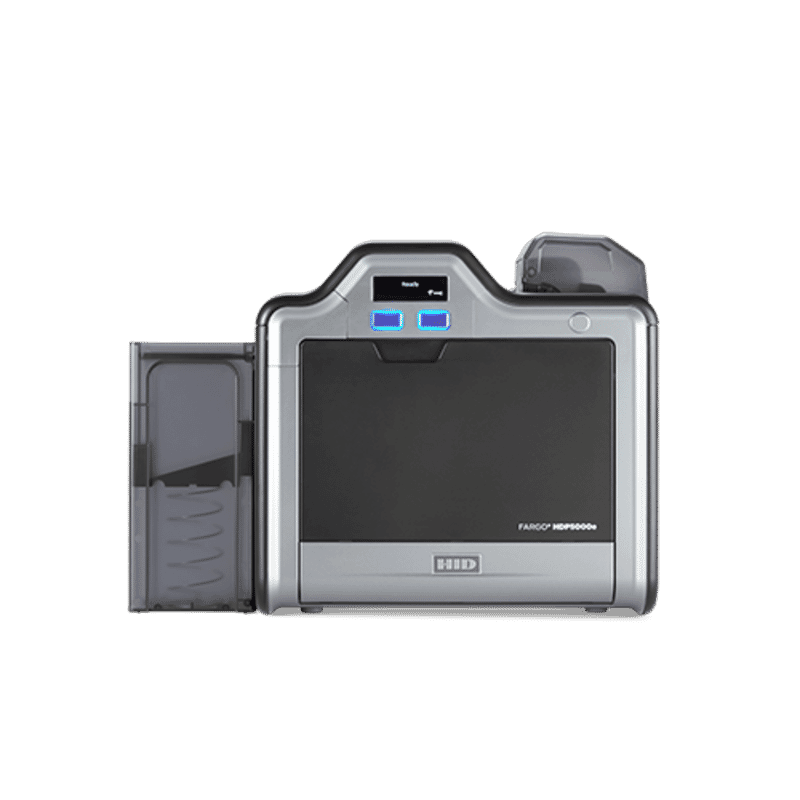
This guide covers the approved cleaning materials, replacement printhead reference and routine procedure for the HID FARGO HDP5000e.
How to Clean the HDP5000e
- Finish the current print job, remove cards and follow the printer utility or user-guide cleaning prompt.
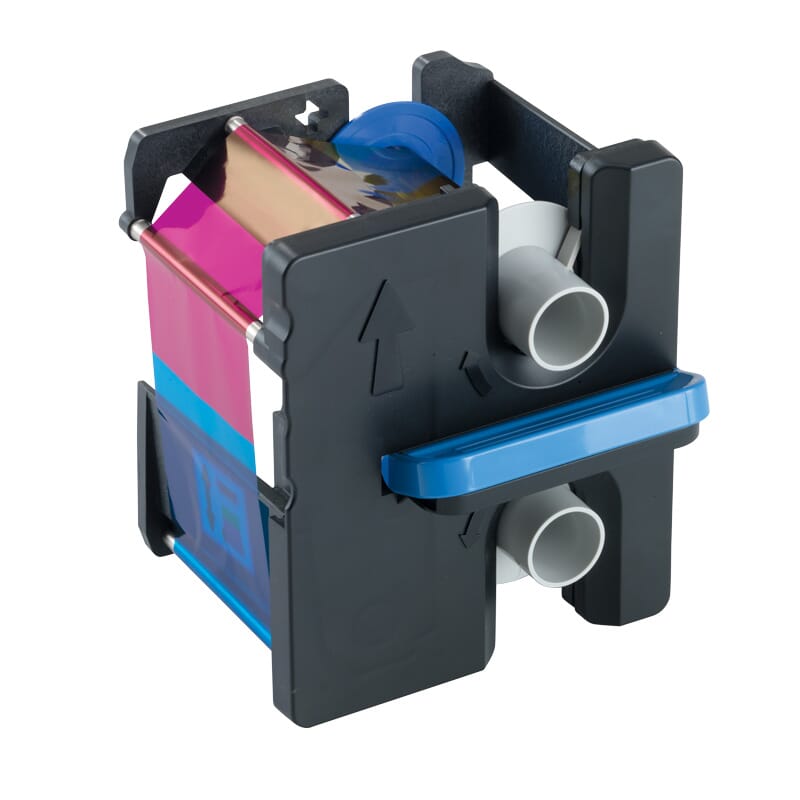
- Remove the ribbon and film where applicable. Never use sharp tools or unapproved solvents inside the printer.
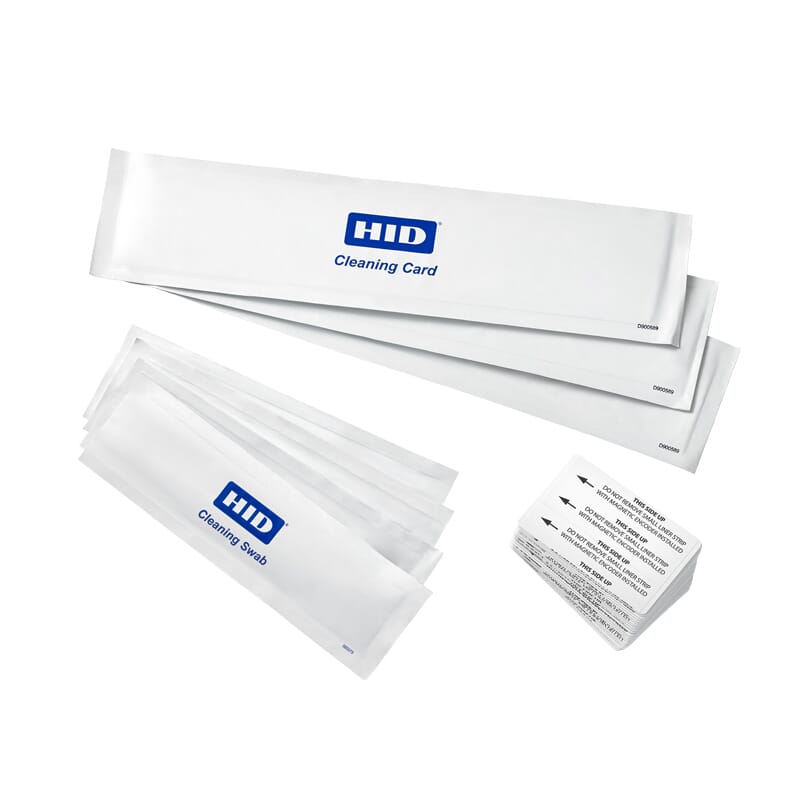
- Run the approved cleaning card through the card path, then clean accessible rollers with the correct HID cleaning material.
- Use a printhead cleaning swab only as directed. Allow cleaned surfaces to dry fully before reinstalling consumables.
- Reload genuine consumables, print a test card and record the maintenance date and card count.
Compatible Cleaning Kits and Materials
HID recommends cleaning the HDP5000e every 2,000 cards. For the legacy HDP5000, follow the same preventive-maintenance approach and adjust for the operating environment.
| Printer | Part Number | Description |
|---|---|---|
| HDP5000e | 096200 | Cleaning kit — includes four printhead cleaning swabs, 10 CR80 cleaning cards, 10 cleaning pads and three alcohol cleaning cards. |
| HDP5000e | 086004 | Cleaning rollers — 10 pack. |
| HDP5000e | 086131 | Extra double-sided cleaning cards — 50 count. |
| HDP5000e | 082133 | Isopropyl alcohol cleaning cards — 10 pack. |
| HDP5000e | 081760 | Extra cleaning cards — 50 count. |
Replacement Printhead Reference
Thermal printhead replacement kits include the replacement printhead and complete printhead assembly. Installation should be completed by a trained technician.
| Printer | Part Number | Description |
|---|---|---|
| HDP5000e | 096091 | 300 DPI thermal printhead replacement kit — includes replacement printhead and complete printhead assembly. |
Recommended Printer and Cleaning Supplies
- HID FARGO HDP5000e ID Card Printer & Encoder
- HID FARGO Printer Cleaning Kits and Accessories
- HID FARGO Consumables for HDP
Need Technical Assistance?
Contact Smart ID Pakistan for genuine HID FARGO cleaning supplies, part-number confirmation and printer maintenance support in Pakistan.
FAQs
How often should this printer be cleaned?
Clean the HDP5000e every 2,000 cards and maintain legacy HDP5000 units on a comparable preventive schedule.
Should third-party cleaning materials be used?
Use HID-approved, model-compatible cleaning materials to protect print quality and printer reliability.
Where can I confirm the correct part number?
Use the compatibility table in this guide or contact Smart ID Pakistan with the exact printer model.
Recommended Products